
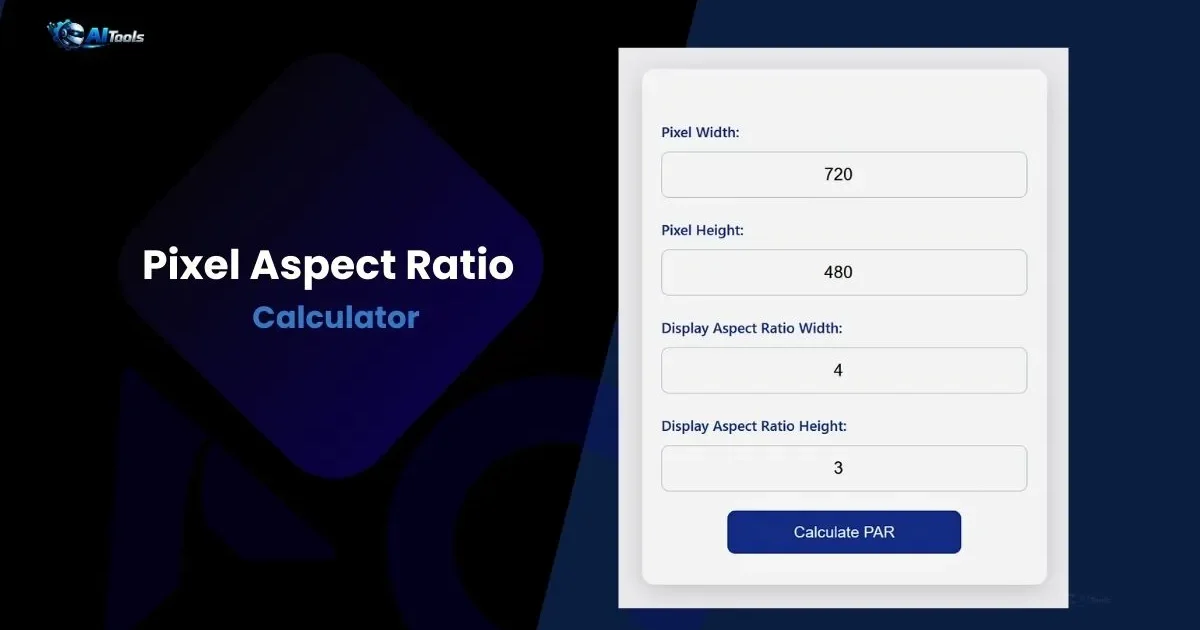
Pixel Aspect Ratio Calculator
Calculate pixel aspect ratio (PAR) from storage resolution and display aspect ratio. Professional aspect ratio calculator for video editing, image scaling. Essential tool for aspect ratio calculator in media production.
About the Pixel Aspect Ratio Calculator: How, Why, Who, and Where to Use This Tool
The pixel aspect ratio calculator is a specialized tool that determines the ratio of pixel width to height, ensuring images and videos display correctly without distortion. This aspect ratio calculator takes pixel dimensions and desired display ratio to compute PAR, vital for media consistency. For example, in video editing, mismatched PAR causes stretching — this tool prevents that.
How it works: Input storage resolution (pixel width/height) and display aspect ratio (DAR like 16:9). The calculator uses the formula PAR = (DAR_width / DAR_height) / (pixel_width / pixel_height) to output the ratio. Why use it? Correct PAR maintains visual integrity in digital media, avoiding black bars or cropped content. In professional workflows, it’s essential for broadcast standards.
Who uses it: Video editors, graphic designers, photographers, web developers, and broadcasters. Where: In software like Adobe Premiere for footage adjustment, web design for responsive images, or hardware setup for monitors. This aspect ratio calculator is particularly useful when resizing content for different screens.
Steps for Working with the Calculator
1. Enter pixel width (e.g., 720 for SD video).
2. Input pixel height (e.g., 480).
3. Specify DAR width (e.g., 4 for 4:3).
4. Enter DAR height (e.g., 3).
5. Click calculate — PAR displays as width:height.
Pixel Aspect Ratio Formula
PAR_width = (DAR_width / DAR_height) * (pixel_height / pixel_width)
PAR_height = 1 (normalized)
Formula Explanation
The formula derives PAR by comparing storage aspect ratio (SAR = pixel_width / pixel_height) to DAR. PAR = DAR / SAR, expressed as width:height. It corrects for non-square pixels in formats like NTSC. Simplifying to lowest terms ensures clean ratios.
Example Calculation
For 720×480 pixels, DAR 4:3: SAR = 720/480 = 1.5, DAR = 4/3 ≈1.333, PAR = 1.333 / 1.5 ≈0.889:1 or 8:9.
Common Aspect Ratios
| Resolution | DAR | PAR |
|---|---|---|
| 720×480 | 4:3 | 8:9 |
| 720×576 | 4:3 | 12:11 |
| 1920×1080 | 16:9 | 1:1 |
| 1280×720 | 16:9 | 1:1 |
| 640×480 | 4:3 | 1:1 |
Common Resolutions and Ratios
| Resolution | Aspect Ratio | Common Name |
|---|---|---|
| 1920×1080 | 16:9 | Full HD (FHD) |
| 1280 x 1024 | 5:4 | SXGA |
| 3840 x 2160 | 16:9 | 4K UHD |
| 1024 x 768 | 4:3 | XGA |
Frequently Asked Questions- Pixel Aspect Ratio Calculator
What is pixel aspect ratio?
Ratio of pixel width to height, correcting for non-square pixels.
How does aspect ratio calculator help in video?
Ensures correct playback without distortion.
What’s square pixel PAR?
1:1 — common in HD formats.
Why use PAR in editing?
To match source and output ratios.
Can PAR be greater than 1?
Yes — for anamorphic formats.
How to fix wrong aspect ratio?
Use this aspect ratio calculator to find and apply correct PAR.
Pixel Aspect Ratio,
Leave a Reply