
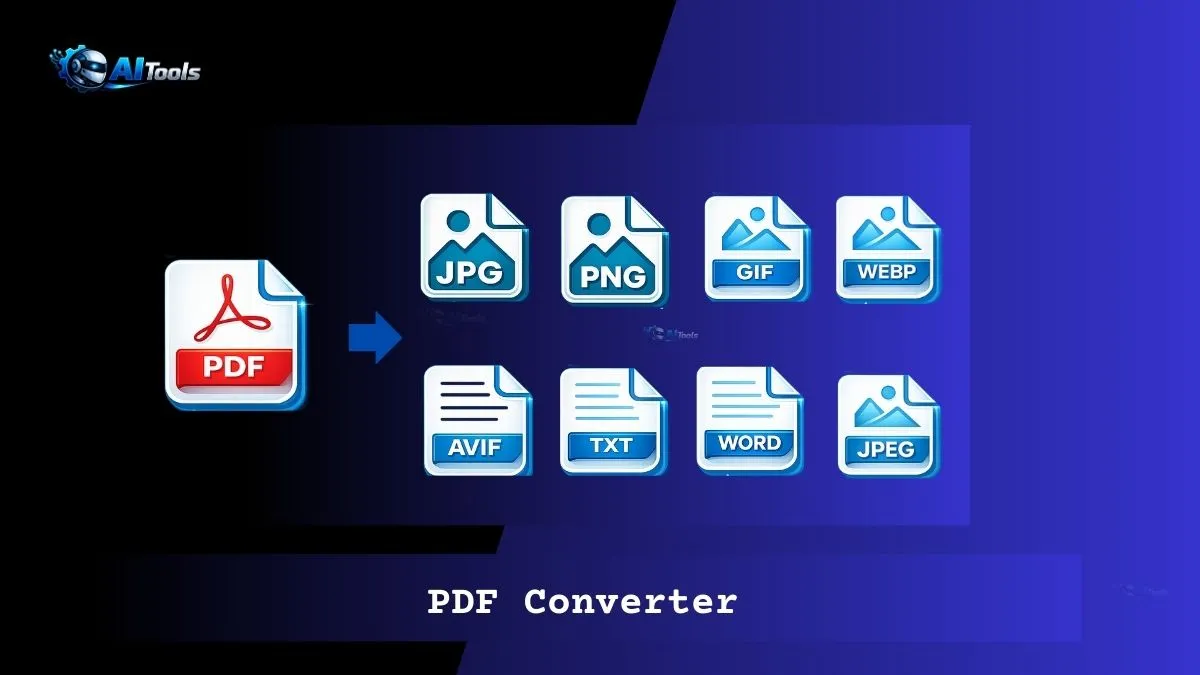
Free PDF Converter 2026
Convert PDF to JPG • PNG • WebP • SVG • TXT — 100% private, no upload
How to Use This Free Online PDF Converter
- Click the drop zone or drag your PDF file into it.
- Preview of the first page appears automatically.
- Choose output format (PNG, JPG, WebP, SVG, TXT, or original PDF).
- Click “Convert PDF” — processing happens in your browser.
- For images/SVG: See previews with individual downloads (perfect for mobile). Multi-page files also get a ZIP.
- Download what you need — no server involved!
Why Use This PDF Converter?
This is the best free PDF to JPG converter, PDF to PNG online tool, and PDF to WebP converter because everything runs locally in your browser. No file upload means complete privacy — ideal for sensitive documents. Unlike server-based tools, there’s no size limit, no waiting, and no registration.
Advanced formats like PDF to Word (DOCX), GIF, or AVIF require server processing for perfect layout preservation and are not available in this fully client-side version. For those, use dedicated desktop software.
Who Uses PDF Converters & Why?
Students convert notes to images for sharing. Designers export pages as SVG for editing. Professionals use PDF to JPG or PNG for presentations and emails. Mobile users love direct single-page downloads. Anyone needing fast, private conversions without installing apps chooses online PDF converters like this.
Supported Formats & Use Cases
| Format | Best For | Quality/Notes |
|---|---|---|
| PNG | Transparent backgrounds, sharp text | Lossless |
| JPG/JPEG | Photos, smaller files | High quality (94%) |
| WebP | Web-optimized images | Excellent compression |
| SVG | Vector editing (Illustrator etc.) | Perfect scalable |
| TXT | Extract readable text | Accurate text layer |
| Original PDF | Backup or sharing | Identical copy |
Frequently Asked Questions – PDF Converter
Is this PDF to JPG converter free?
Yes — completely free, unlimited, no watermarks.
Is my PDF safe?
100% private — no upload, everything processes locally.
Why direct downloads for mobile?
Single-page images download instantly. Multi-page gives previews + ZIP for easy access.
Can I convert PDF to Word or DOCX?
Not in this client-side tool (layout preservation needs server). Use desktop software for perfect results.
What about GIF or AVIF?
These require server-side processing and are not supported here.
How good is the quality?
High-resolution rendering (2.8x scale) for sharp images and accurate SVG.
Does it work on phone?
Yes — fully mobile-optimized with direct image previews.
Comments
6 responses to “PDF Converter”
[…] PDF Converter […]
[…] PDF Converter […]
[…] PDF Converter […]
[…] PDF Converter […]
[…] PDF Converter […]
[…] PDF Converter […]