
How To Calculate Sales Tax
Calculate total price including sales tax or reverse to find pre-tax amount. Supports multiple currencies. Essential tool for how to calculate sales tax, how to figure out sales tax, how to find sales tax in shopping, business transactions.
About the Sales Tax Calculator- How To Calculate Sales Tax
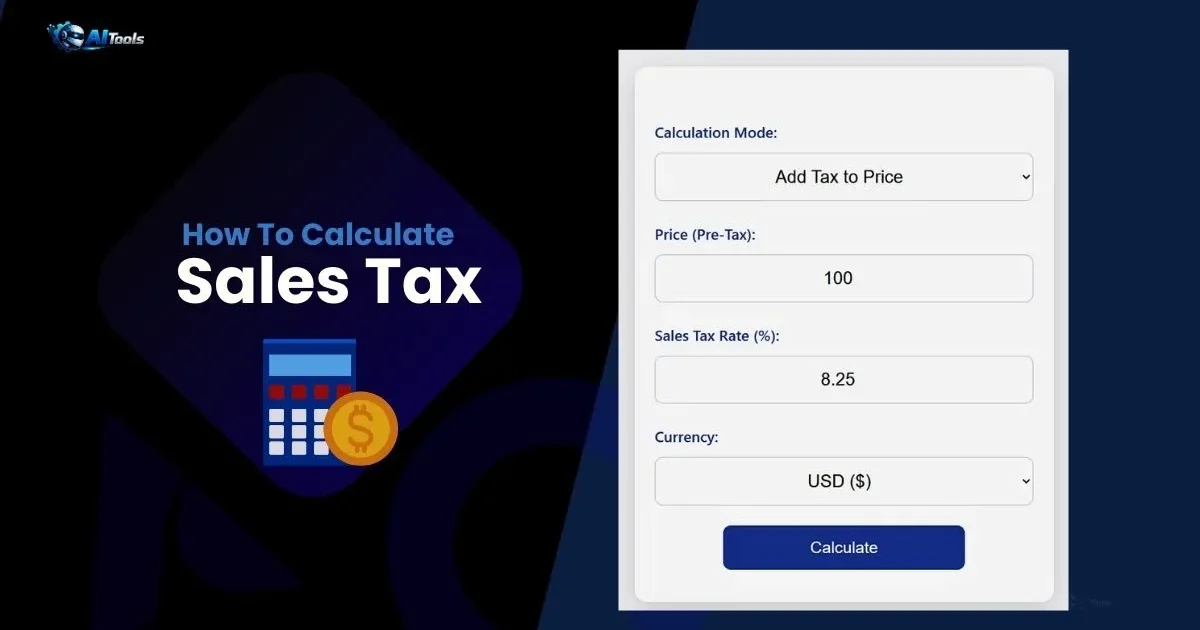
The sales tax calculator is a straightforward online tool that helps determine the sales tax amount and total cost from a pre-tax price, or reverse-engineer the original price from a total amount. This sales tax percentage calculator uses basic arithmetic to provide quick results, supporting various currencies for global use. For example, figuring out how to calculate sales tax on a $100 item at 8.25% rate yields $8.25 tax and $108.25 total.
How it works: Input the price, tax rate, and select mode (add tax or remove tax). The tool computes using the formula Tax = Price × (Rate / 100), Total = Price + Tax, or reverse Price = Total / (1 + Rate/100). Why use it? Understanding how to figure out sales tax prevents surprises at checkout, aids budgeting, and ensures accurate financial planning in regions with varying rates.
Who uses it: Shoppers for everyday purchases, business owners for pricing, accountants for audits, travelers dealing with foreign taxes. Where: In e-commerce for cart estimates, retail for point-of-sale, accounting software integration, or personal finance apps. This tool is particularly useful when learning how to find sales tax in complex scenarios like multi-item bills.
Steps for Working with the Calculator
1. Choose mode: Add tax or reverse from total.
2. Enter price (pre-tax or total based on mode).
3. Input sales tax rate percentage.
4. Select currency symbol.
5. Click calculate — results show tax and total/original.
Sales Tax Calculation Formula
Forward: Tax = Price × (Rate / 100), Total = Price + Tax
Reverse: Tax = Total × (Rate / (100 + Rate)), Pre-Tax = Total – Tax
Formula Explanation
The forward formula multiplies price by decimal rate for tax, adds to get total — simple for how to calculate sales tax. Reverse derives tax by proportion of total attributable to rate, subtracts for original. This ensures accuracy across jurisdictions.
Example Calculation
Price $100, Rate 8.25%: Tax $8.25, Total $108.25. Reverse from $108.25: Pre-Tax $100, demonstrating how to figure out sales tax backward.
Common Sales Tax Rates
| State/Country | Rate (%) | Example Tax on $100 | Total |
|---|---|---|---|
| California | 7.25 | $7.25 | $107.25 |
| New York | 4 | $4.00 | $104.00 |
| Texas | 6.25 | $6.25 | $106.25 |
| UK (VAT) | 20 | $20.00 | $120.00 |
| Canada (GST) | 5 | $5.00 | $105.00 |
Frequently Asked Questions- How To Calculate Sales Tax
How to calculate sales tax?
Multiply price by (rate / 100).
How to figure out sales tax from total?
Use reverse mode: Total / (1 + rate/100).
How to find sales tax rate?
Check local laws or use averages; varies by location.
Does currency affect calculation?
No — numeric only; symbol for display.
What’s included sales tax?
Tax on goods/services; excludes income tax.
Can I use for VAT?
Yes — enter VAT rate as tax percentage.
How To Calculate Sales Tax, how to figure out sales tax, how to find sales tax,
Comments
2 responses to “How To Calculate Sales Tax”
[…] How To Calculate Sales Tax, how to figure out sales tax, how to find sales tax, […]
[…] How To Calculate Sales Tax, how to figure out sales tax, how to find sales tax, […]