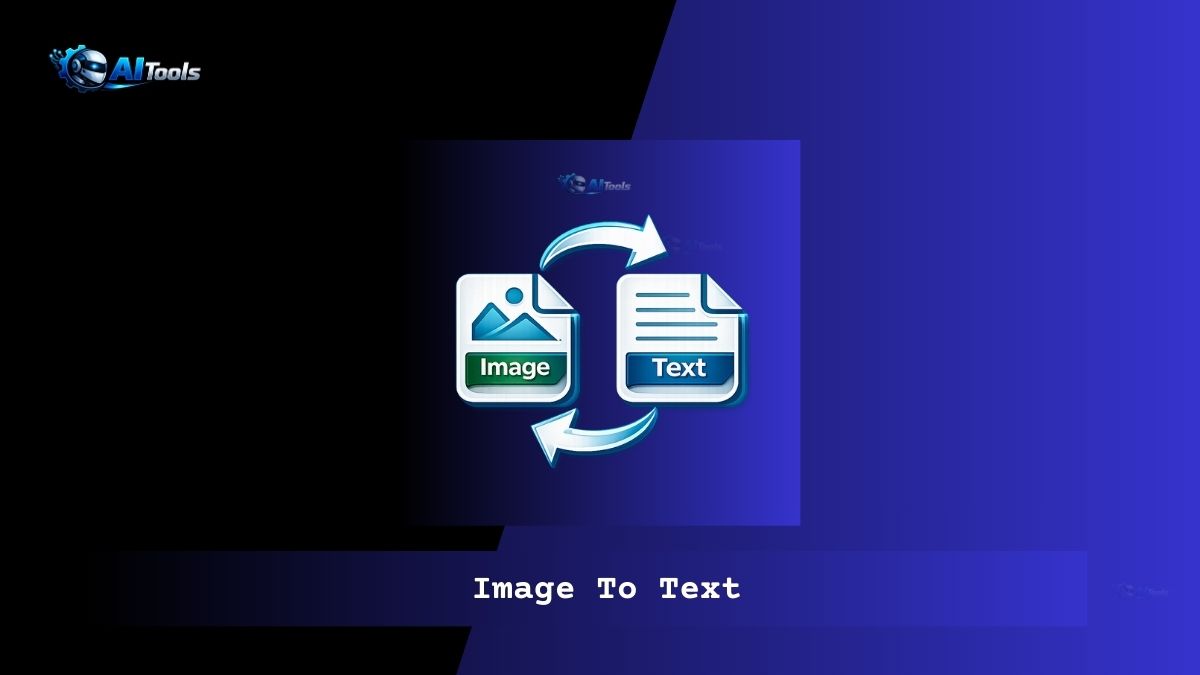
Image To Text
Image To Text
Image To Text.
AI OCR with automatic language detection.
Supports JPG, PNG, JPEG, BMP
Auto Language Detection
When Auto Detect is enabled, the OCR engine scans the image using multiple language models at once to intelligently recognize text from different scripts.
How to Use (Step-by-Step)
- Upload an image or paste an image URL
- Select “Auto Detect” or choose a specific language
- Click the “Extract Text” button
- Edit, copy, or download the extracted text
Where You Can Use This Tool
- Convert scanned documents to editable text
- Extract text from photos, screenshots, invoices
- Digitize handwritten or printed notes
- Students converting textbook images to text
- Business data entry and document processing
FAQ- Image To Text
Is auto detection accurate?
Yes. Using combined language models provides excellent accuracy for mixed-language images.
Does it slow OCR?
Slightly, but results are more accurate and reliable.


1 thought on “Image To Text”
Comments are closed.